One drawing, two perspectives
Plan the layout. Review it in 3D.
Use the plan to position rooms and equipment, then check their relationships in the 3D view.
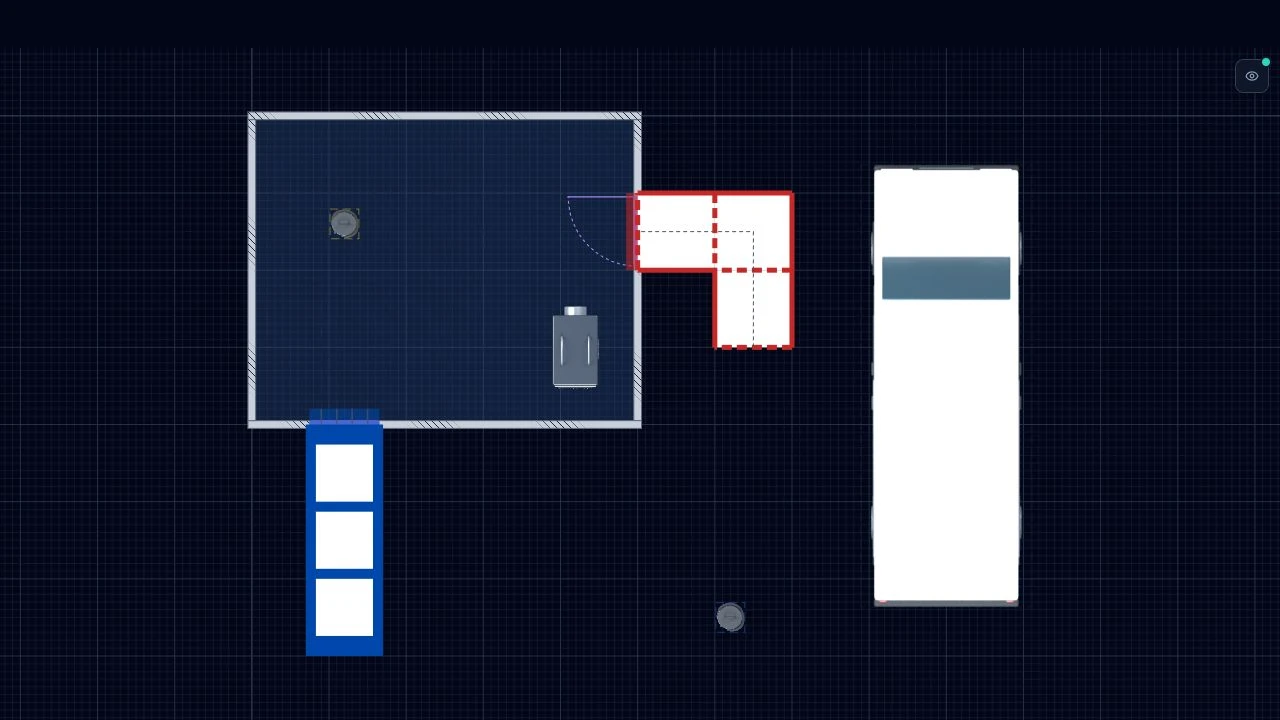
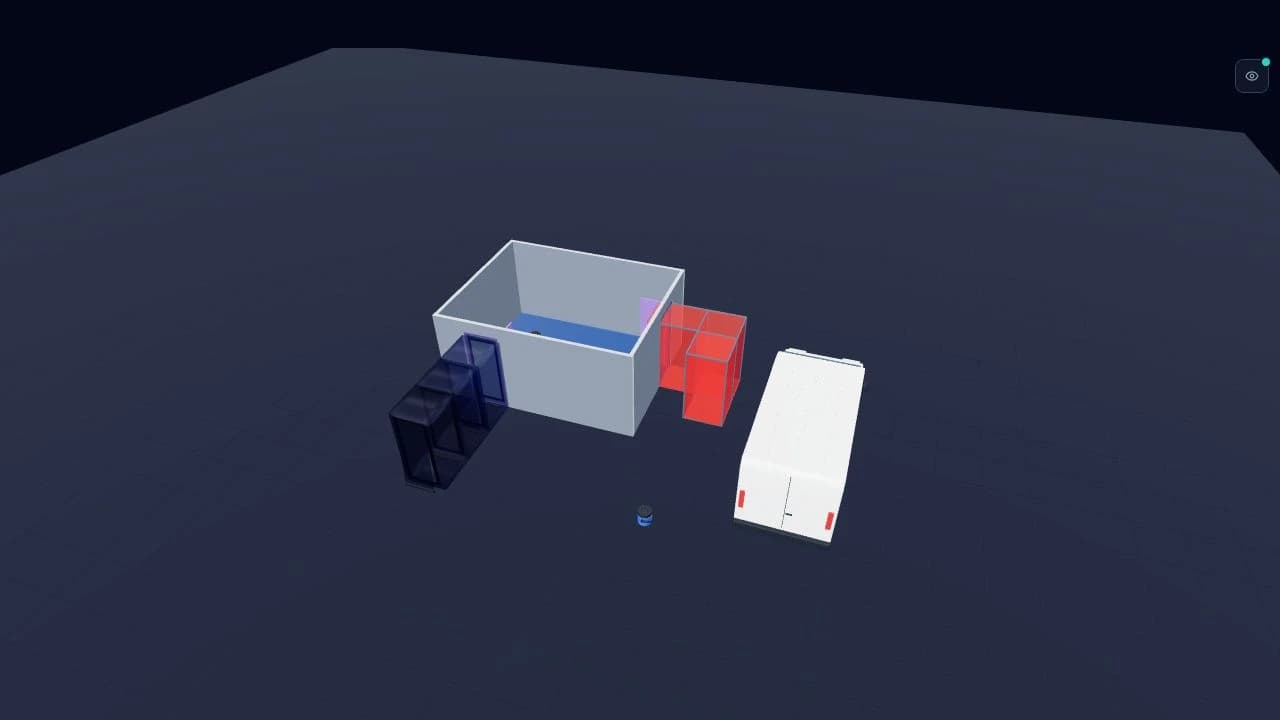
Illustrative project, not an approved enclosure design. Review site dimensions and the final setup with a competent person.
See the editor in actionHow AsbestoPlan helps
- No CAD licence required
- Templates standardise layout across authors
- Title block and scene key baked into exports
Example workflow
- Receive dimensions and scope from estimator/supervisor
- Build or update layout from template
- Export for insertion into Word/PDF RAMS
- Keep issued files for the record; save a reusable template on Business, Team or Company
What exports can be used for
- RAMS document production
- Client pack assembly
- Archive of issued layouts
What it does not replace
- Technical authorship of RAMS text
- Compliance review sign-off
Common questions
- How does AsbestoPlan help document and admin teams?
Document teams can produce structured enclosure drawings without CAD — drag assets from the library, apply company templates, and export with a baked-in scene key and title block.
Outputs drop straight into Word or PDF RAMS packs, so authors spend less time rebuilding diagrams from PowerPoint fragments.
- What does it not replace?
It does not write RAMS text or replace compliance review sign-off. Authors still own the written method, controls narrative and final approval of what goes out.