By AsbestoPlan · Published 2026-06-16 · Updated 2026-09-21 · Planning support only — not compliance advice
Match the visual to the written controls
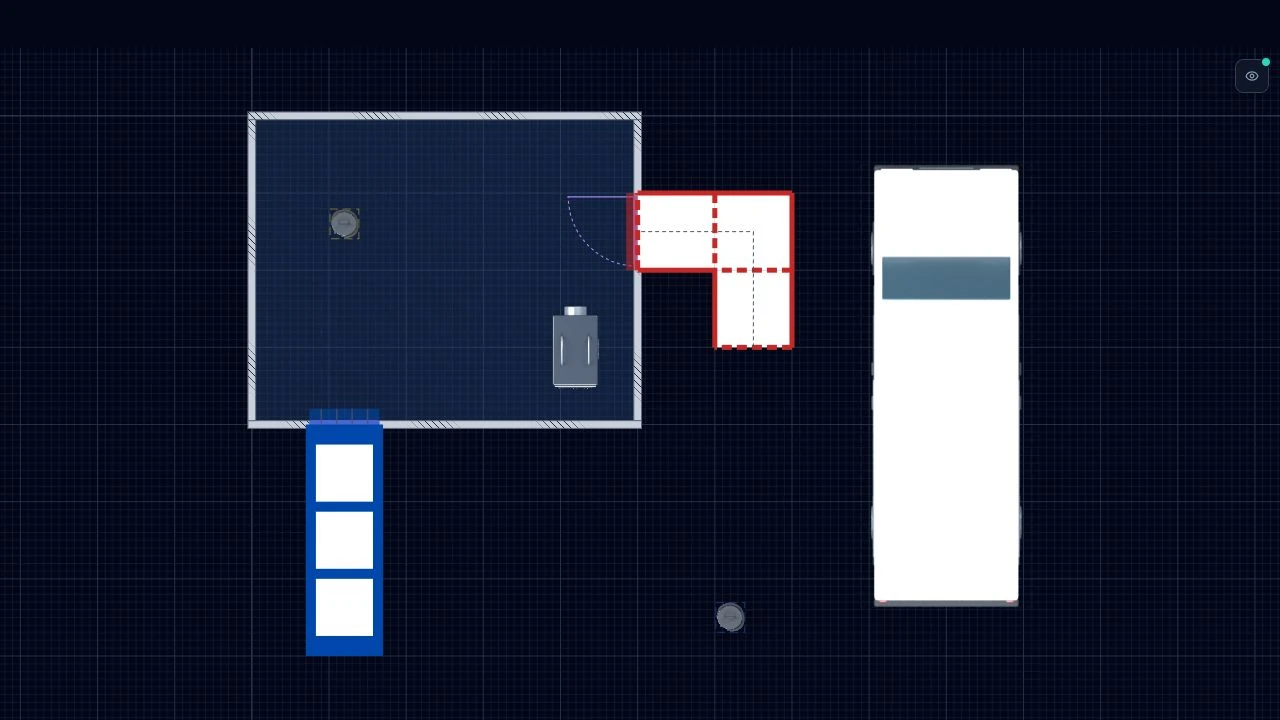
If your RAMS references a specific airlock sequence or monitoring point, show it on the drawing. Use consistent naming between text and legend.
Include a scene key
A legend listing each asset type used in the drawing helps reviewers who are not familiar with your company's shorthand. AsbestoPlan builds the key from visible objects and distinguishes colours, wall finishes and route styles. Include it in a separate export margin or download the key alone. Check hidden entries and counts before sharing.
Review the exported drawing after a revision
Check the drawing number, revision and site details before inserting an export into the RAMS pack. Read labels at the intended page size and compare the drawing with the written equipment and route descriptions.
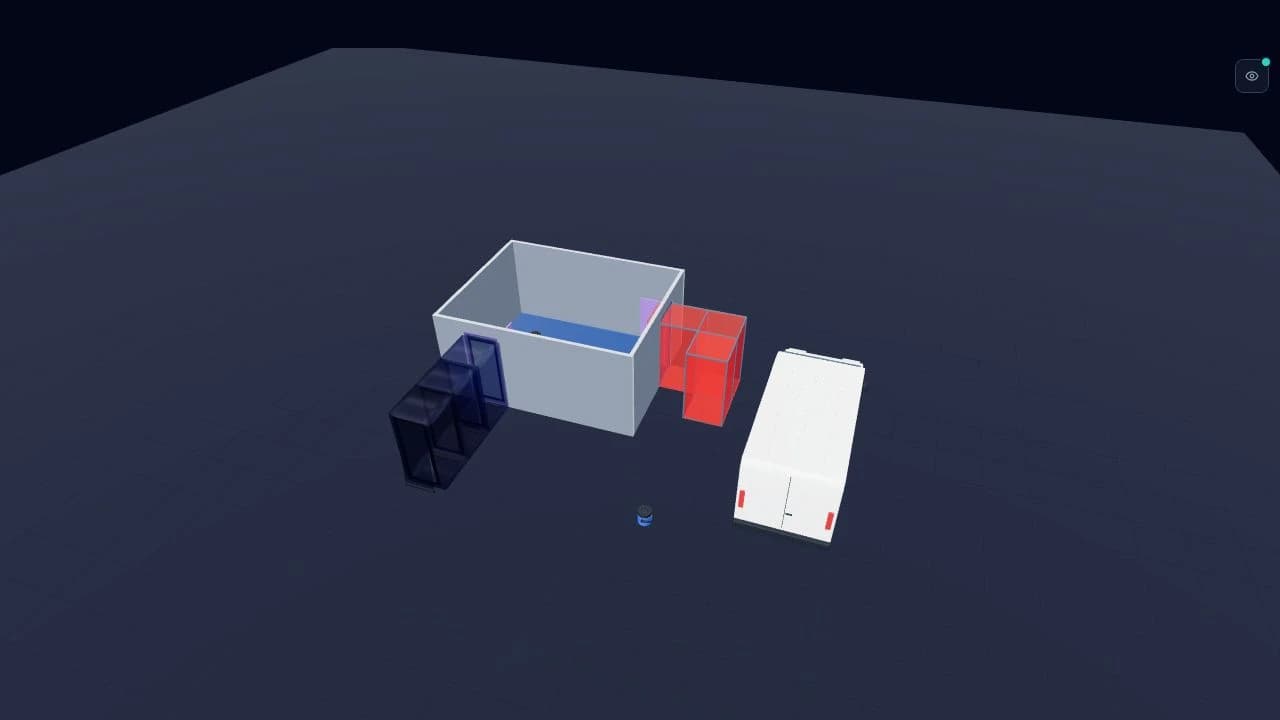
Changes in the editor update the model views, but previously downloaded files and document packs do not update automatically. Export the revised views, replace the old files in the pack and check the assembled document before issue.
Further reading and examples
Was this helpful?
Your feedback helps us improve these instructions.
Try it on a real layout
Recreate a layout with the drawing tools. Free Preview includes 2 saved projects and watermarked PNG/JPG exports. Floor-plan uploads require a paid plan.
Start freeFor step-by-step editor demonstrations, browse the video tutorials.